

Installing Oracle Primavera P6 Professional Stand-alone. One of the contributing factors to the continued popularity of Primavera P6 Professional, apart from its rich and varied functionality, is the ability to install the software on a PC or laptop machine independent of a centralized multi-user database.
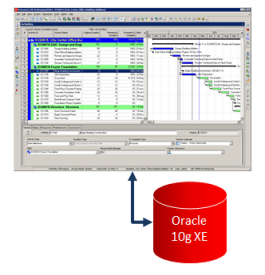
While Primavera P6 is essentially an enterprise system, it functions very well as a single system and thus remains a firm favorite for those who travel around the country and wish to keep copies of the schedule data at hand. After all, not everyone is a Microsoft Project enthusiast.
Ten Six have compiled the following installation guide for those who might need a little help installing the software in a standalone configuration. While it’s mostly straightforward to do, having a cheat sheet handy is always a bonus.
Free Download – Primavera P6 Professional Installation Guide
Download this free Primavera P6 Professional R8.2 Stand-alone Installation Guide to help you with a smooth and error-free installation process. It uses mostly the default install options including the Oracle 10g XE database that functions as the default repository.
For more Primavera P6 articles click here